Abrasives · 1 min read
Which backing pad for which abrasive?
Hard, medium or soft, with or without holes, with or without an interface pad – how to match the pad to the job.
Last updated: · published
Hardness
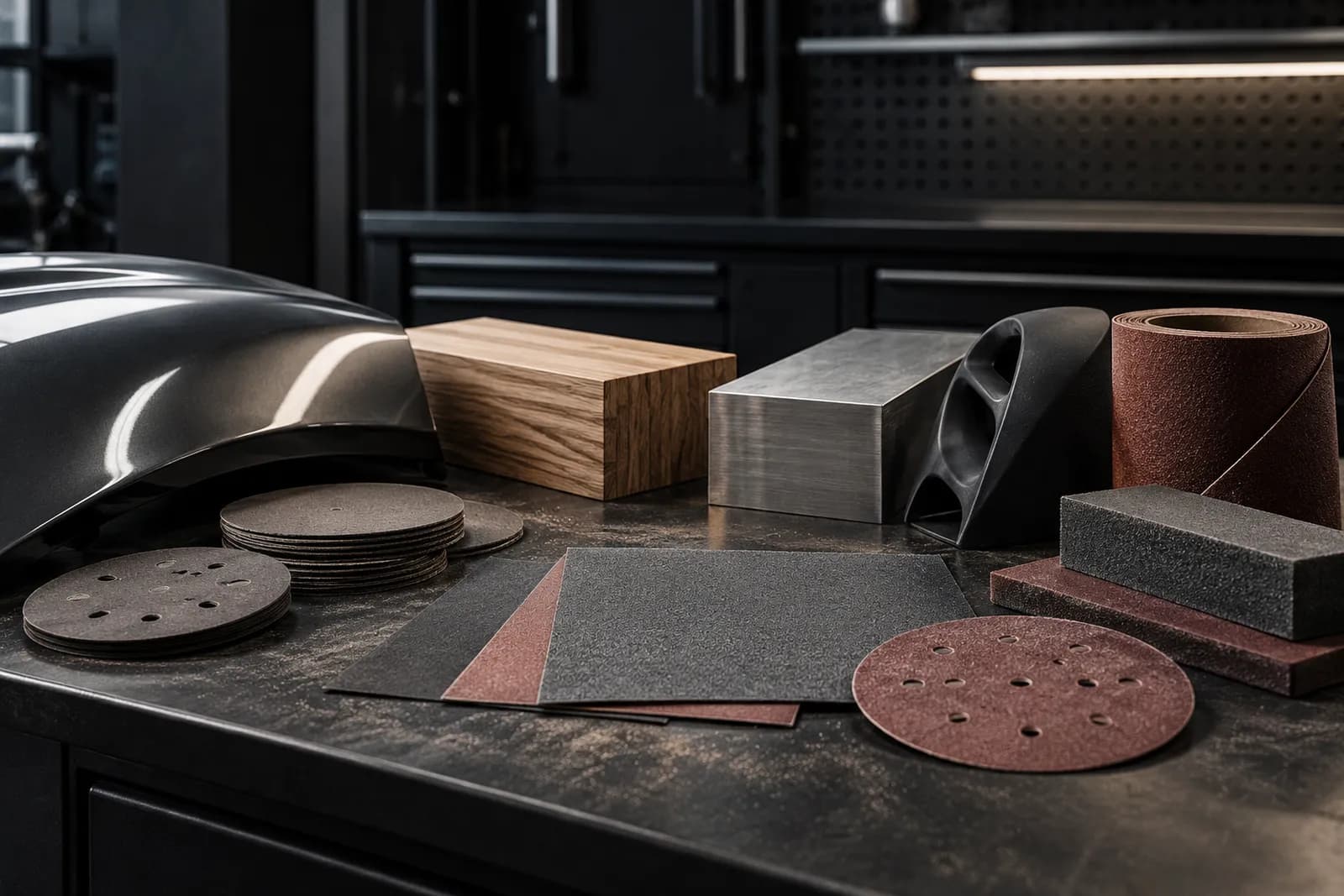
Hard for flat surfaces and heavy stock removal, medium as an all-rounder, soft for curves and finishing. If you only have one pad, go for medium – and add an interface pad in between for contours.
Hole pattern and mesh
A backing pad with a multi-hole pattern extracts through any disc. For mesh discs, an interface pad with a mesh structure is ideal: it channels dust through the whole surface and protects the pad’s hook-and-loop.
Thread and diameter
The backing pad screws onto the machine. Most random orbital sanders have a 5/16" thread, some an M8 thread – check the manual or the old pad. The pad diameter determines the disc: 150 mm pad, 150 mm disc.
When the pad needs replacing
The hook-and-loop on the backing pad is a wear part. If the disc no longer holds, flies off at start-up or drifts to the side, it is worn. A frayed or sanded-down edge is another sign: the disc then no longer sits flat at the outside and sands unevenly.
Heat kills hook-and-loop fastest – heavy pressure, working on the edge, a clogged disc. An interface pad between backing pad and disc takes this wear and is cheaper to replace than the pad.
FAQ
Does every 150 mm disc fit every 150 mm backing pad?
Diameter alone is not enough: the hook-and-loop and hole pattern must suit the extraction. Abrasive mesh extracts regardless of the hole pattern.
How can I tell the backing pad is worn out?
The disc no longer holds, slips or flies off at start-up, or the edge of the pad is frayed. Then screw on a new pad.